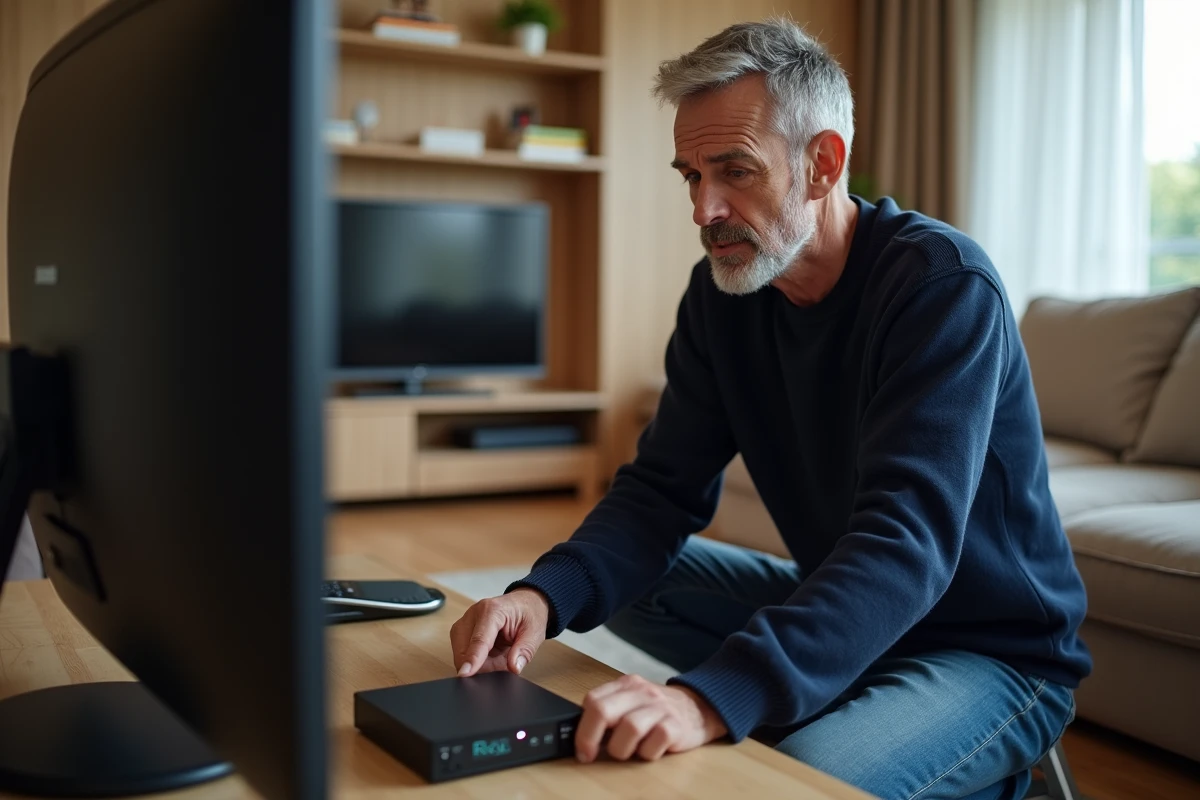
A Fransat decoder that is stuck on a black screen or on the logo at startup is no longer receiving channels from satellite TNT. Before considering a replacement, a software or hardware reset is sufficient in most cases to restore the normal functioning of the device.
Satellite signal and Fransat card: checks before any reset
The freezing of a Fransat decoder is not always related to the internal software. An upstream issue, on the antenna or access card side, produces the same symptoms. Checking these two points prevents launching an unnecessary procedure.
The satellite dish must point to the Eutelsat 5 West B satellite (orbital position 5° West). Strong winds, a shock, or loosening of the support can shift the orientation by a few degrees, which is enough to cut off reception. If other televisions connected to the same dish are working, the problem lies with the decoder or the coaxial cable connecting it to the LNB.
The Fransat card inserted into the decoder’s card reader manages access rights to the channels. Removing the card, cleaning the gold chip with a dry cloth, and reinserting it correctly sometimes resolves a blockage related to a poor contact. If the card is expired, the decoder displays a specific error message, and no reset will reactivate it.
To learn how to reset a Fransat decoder in case of blockage after ruling out these hardware causes, the rest of this guide details each software step.

Step-by-step software reset of the Fransat decoder
The software reset (also called factory reset) erases custom settings and restarts the channel search. It is done from the decoder’s menu, without tools.
Accessing the reset menu
Turn on the decoder and press the Menu button on the remote control. Navigate to the “Installation,” “System,” or “Settings” section depending on the model. The option is usually called “Factory Reset,” “Reset,” or “Restore Default Settings.”
The decoder requests a confirmation code. On most Fransat models, the default code is 0000 or 1234. If you have changed this code and forgotten it, the hardware reset (next section) remains the only option.
Restart the TNT channel search
After confirmation, the decoder restarts and launches a first installation wizard. The settings to confirm are simple:
- Select the French language and the time zone corresponding to metropolitan France
- Choose the Eutelsat 5 West B satellite from the list of available satellites (do not select Astra, which pertains to other packages)
- Start the automatic channel search and wait for the process to finish, which takes a few minutes
Once the search is complete, the list of TNT channels appears. Check that the main national channels are present. If the screen remains black despite a full list, the problem likely comes from the coaxial cable or the LNB.
Hardware reset when the menu is inaccessible
When the decoder is completely frozen, the remote control is unresponsive, or the screen is stuck on the logo, the menu is inaccessible. The hardware reset bypasses this blockage by physically cutting the power.
Unplug the power cable from the decoder. Wait at least two minutes. This delay allows the internal capacitors to fully discharge and the volatile memory to clear. A simple stop of a few seconds does not produce the same effect.
Then plug the decoder back in. On some models, a Reset button is located at the back or underneath the device, accessible with a fine point. Holding this button down during restart forces a complete return to factory settings, even if the internal software is corrupted.
After the restart, the installation wizard launches automatically. Follow the same steps as for the software reset: language, Eutelsat 5 West B satellite, automatic channel search.
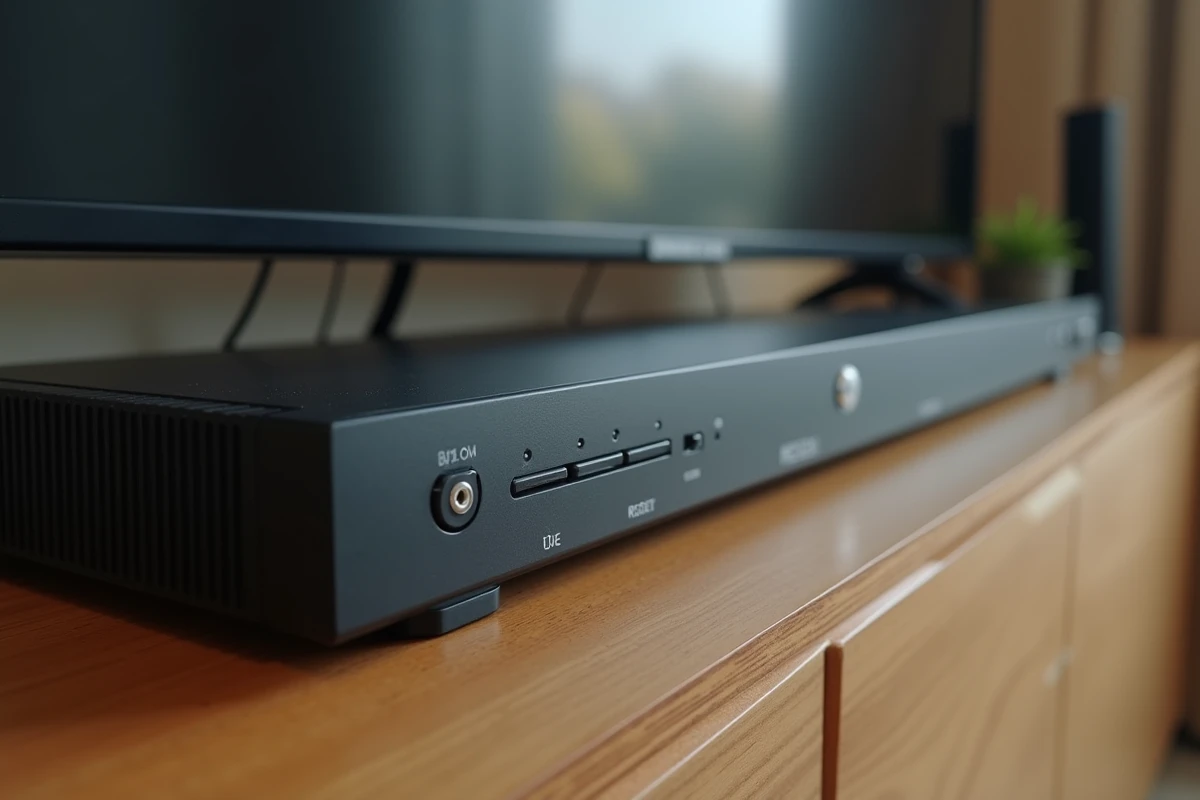
Recurring blockage of the Fransat decoder: identifying the real cause
A decoder that freezes once after a software update or a power outage does not pose a structural problem. However, a blockage that returns after each reset indicates a deeper failure.
Firmware update
Fransat decoders receive software updates via the satellite signal. If the decoder has been unplugged for several months, its firmware may be outdated and cause incompatibilities with the current stream. After the reset, leave the decoder plugged in and turned on to an active channel for an hour. The update will download and install automatically.
Hardware issues to rule out
Three hardware causes lead to repeated blockages:
- A damaged or poorly crimped coaxial cable, which generates micro-cuts in the signal disrupting the decoder
- A faulty power supply (the decoder restarts in a loop or overheats abnormally)
- A defective Fransat card, which the internal reader cannot read correctly despite cleaning
If the blockage persists after a complete reset, a new cable and a test with another power outlet can help isolate the faulty component. A decoder that restarts itself in a loop almost always points to an internal power issue, and the reset will not change that.
The replacement of the Fransat card can be requested from Fransat support. The replacement of the decoder itself is only justified after eliminating all external causes: cable, outlet, dish orientation, and condition of the LNB.